v0 Prompt — Integrate Stratum blueprint images
Paste everything in the block below into v0. First, in v0, upload the eight PNGs to the project’s /public folder (keep the exact filenames). Then send the prompt.
Integrate my custom isometric blueprint images into the Stratum Technologies site. All eight are transparent PNGs with off-white linework and a signal-orange (
#E07B18) accent, designed to sit ONLY on the dark navy (#0B1929) / slate (#122035) sections — never on light backgrounds. Usenext/image, render each withobject-contain(never crop or distort), no background fill behind the image itself.The files in
/public:
hero-stack.png(832×1280, portrait)sector-hyperscale.png(1344×768)sector-colocation.png(1280×832)about-strata.png(1280×832)coverage-globe.png(1024×1024, square)divider-strata.png(1344×768, wide)service-cabling.png(1024×1024)service-slab.png(1024×1024)Build a reusable
<Blueprint>component that wraps an image with:object-contain, a configurable soft orange radial glow behind it (radial-gradient(circle, rgba(224,123,24,0.18), transparent 70%), blurred, absolutely positioned, sized ~60% of the image,pointer-events-none, behind the image), and a fade-up-on-scroll reveal (Framer Motion:opacity 0→1,y 24→0,viewport once, ease-out ~0.7s). Props to toggle the glow and to set glow position. Use this component for every image below.Placement & treatment:
- Hero —
hero-stack.png. Right column on desktop (≈45% width), full-width below the headline/CTA on mobile.priorityloading. Glow ON, positioned over the upper-middle (the orange node layer). Add a slow vertical float: keyframes translateY 0 → -12px → 0 over 7s, ease-in-out, infinite. Add a gentle scroll parallax — the image translates Y by roughly +40px as the hero scrolls out of view (use FrameruseScroll/useTransform). Max-height ~80vh, never taller than the viewport.- Sectors —
sector-hyperscale.png(card 01) andsector-colocation.png(card 02). Each sits in the upper portion of its card inside aaspect-[16/10]wrapper,object-contain, centered. Glow OFF (keep cards calm). On card hover: scale the image to 1.04 over 400ms ease and lift the card 4px. Cards on--slatewith a hairline borderrgba(255,255,255,0.08).- About / What we do —
about-strata.png. Right column beside the body copy on desktop, full-width above the copy on mobile.aspect-[16/10]wrapper,object-contain. Glow ON, subtle, centered-low.- Location / coverage —
coverage-globe.png. Beside the coverage copy.aspect-squarewrapper,object-contain, max-width ~480px. Glow ON behind centre. Add a very slow float (same keyframes as hero but 9s). Do NOT rotate it. Optionally add three small pulsing orange dots as absolutely-positioned overlay elements near the node positions (softbox-shadowpulse, 3s) — keep subtle.- Section divider —
divider-strata.png. Full-bleed horizontal band between two dark sections. Wrapper height ~220px desktop / ~140px mobile,object-containcentered,opacity-80. Glow OFF. Add a slow horizontal parallax drift (translateX a few px on scroll) for depth. This is decorative —aria-hidden.- Service icons —
service-cabling.pngandservice-slab.png. Small spot icons (64–96px) beside service list items / feature rows.object-contain, glow OFF. Useservice-cablingfor the cabling/fibre-related service andservice-slabas the neutral icon for any other service rows (reuse it). On hover, nudge the icon up 2px.Global:
- Keep a subtle grain/noise overlay on dark sections, layered ABOVE the navy background but BELOW the images (
z-indexandmix-blend-mode: overlay, low opacity).priorityonly onhero-stack.png; lazy-load the rest.- Respect
prefers-reduced-motion: disable floats/parallax, keep the fade-up but instant.- Never place any of these images on a white/off-white section. If a section is currently light, keep it light and text-only, or convert it to a dark section before adding an image.
- Ensure every image has descriptive
alttext (e.g. “Isometric blueprint of an exploded data centre infrastructure stack”).Keep the existing layout, type system, colours and copy. Only add/relocate the images and the motion described here.
After v0 runs
Quick QA checklist:
- [ ] Hero image floats over navy with the orange node-layer glowing — no white box behind it.
- [ ] Sector card images are centered and uncropped; hover scales smoothly.
- [ ] Divider band reads as a thin decorative strip, not a giant gap.
- [ ] Globe sits on navy with a soft glow; nodes are visible.
- [ ] Service icons are small and crisp, not pixelated (they’re 1024px, so plenty of headroom).
- [ ] Reduced-motion users get a static version.
If anything looks off (an image too small, a glow too strong, a section still light), send me a screenshot and I’ll give you the exact CSS/prop tweak.


I'll integrate the eight blueprint images. Here's what each one is:
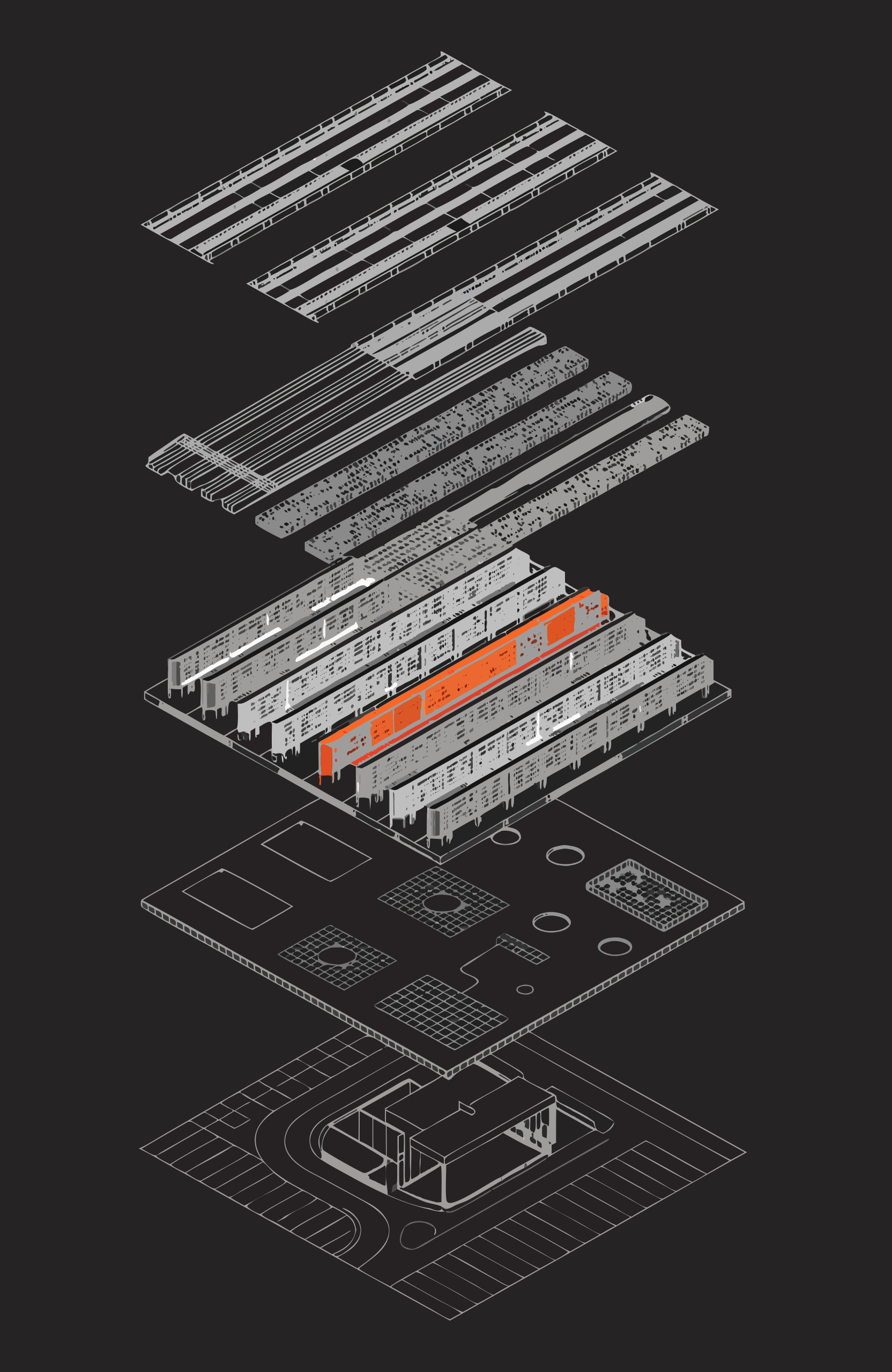
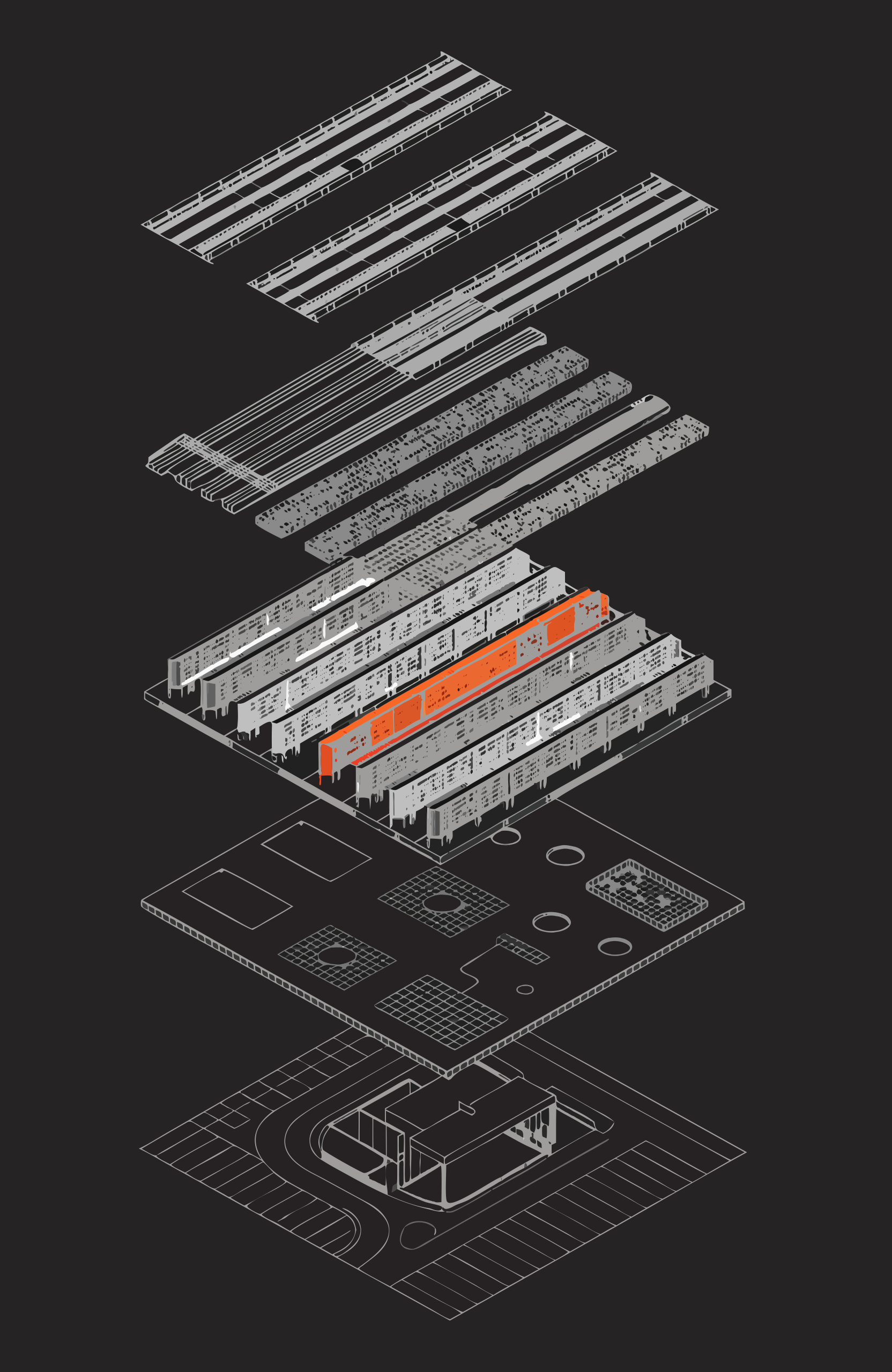
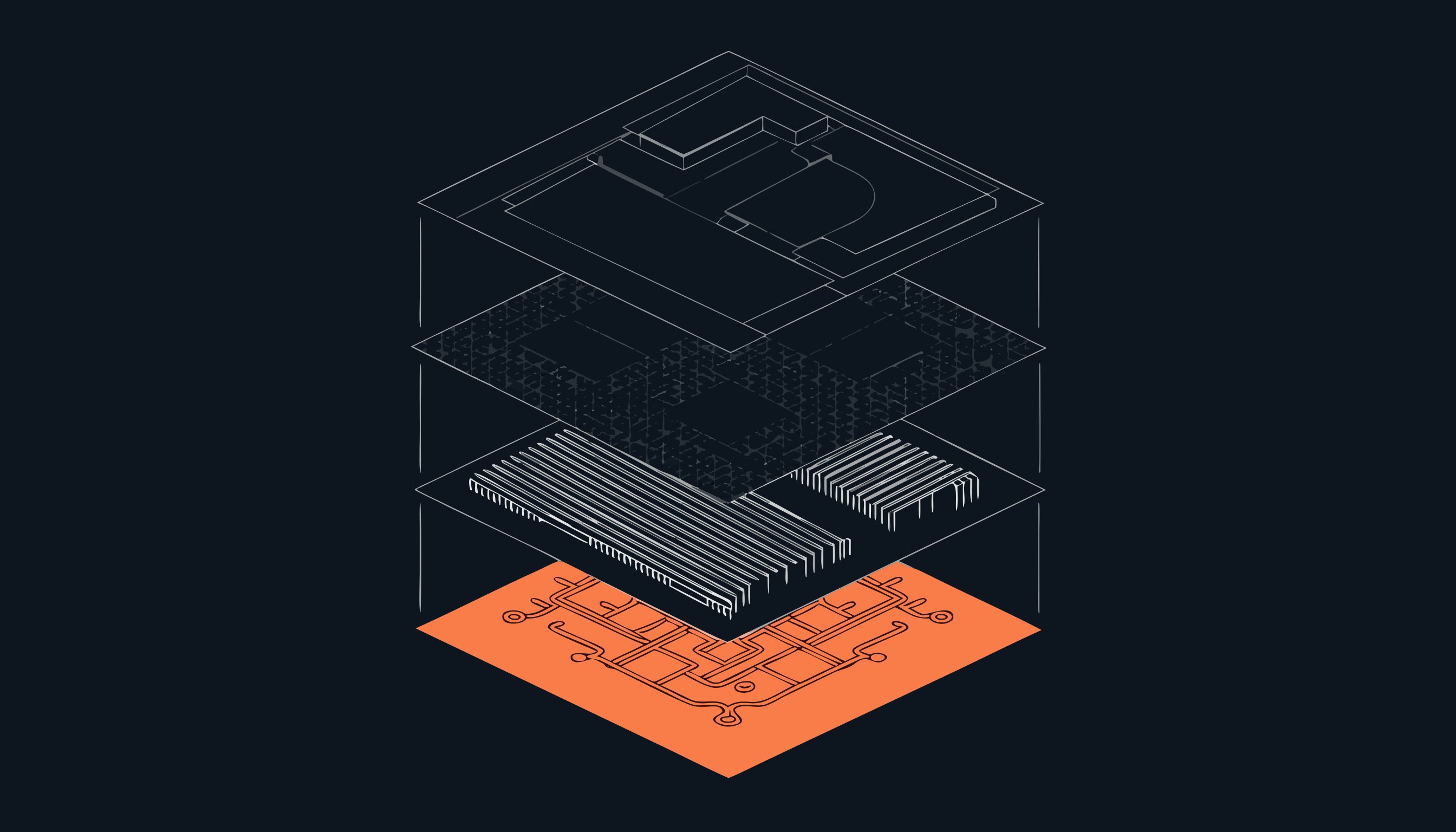
- hero-stack.png — portrait exploded isometric data-centre stack, five layers, with a glowing orange node layer near the top.
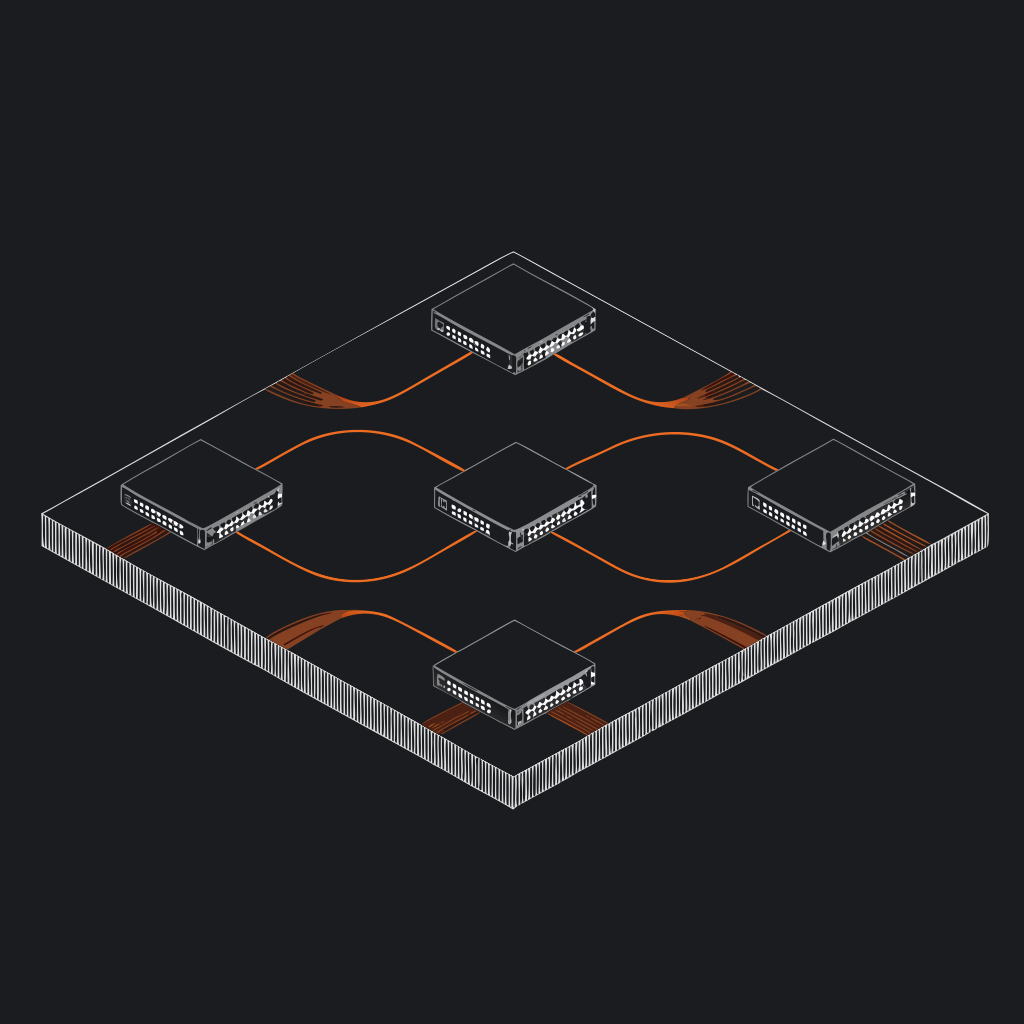
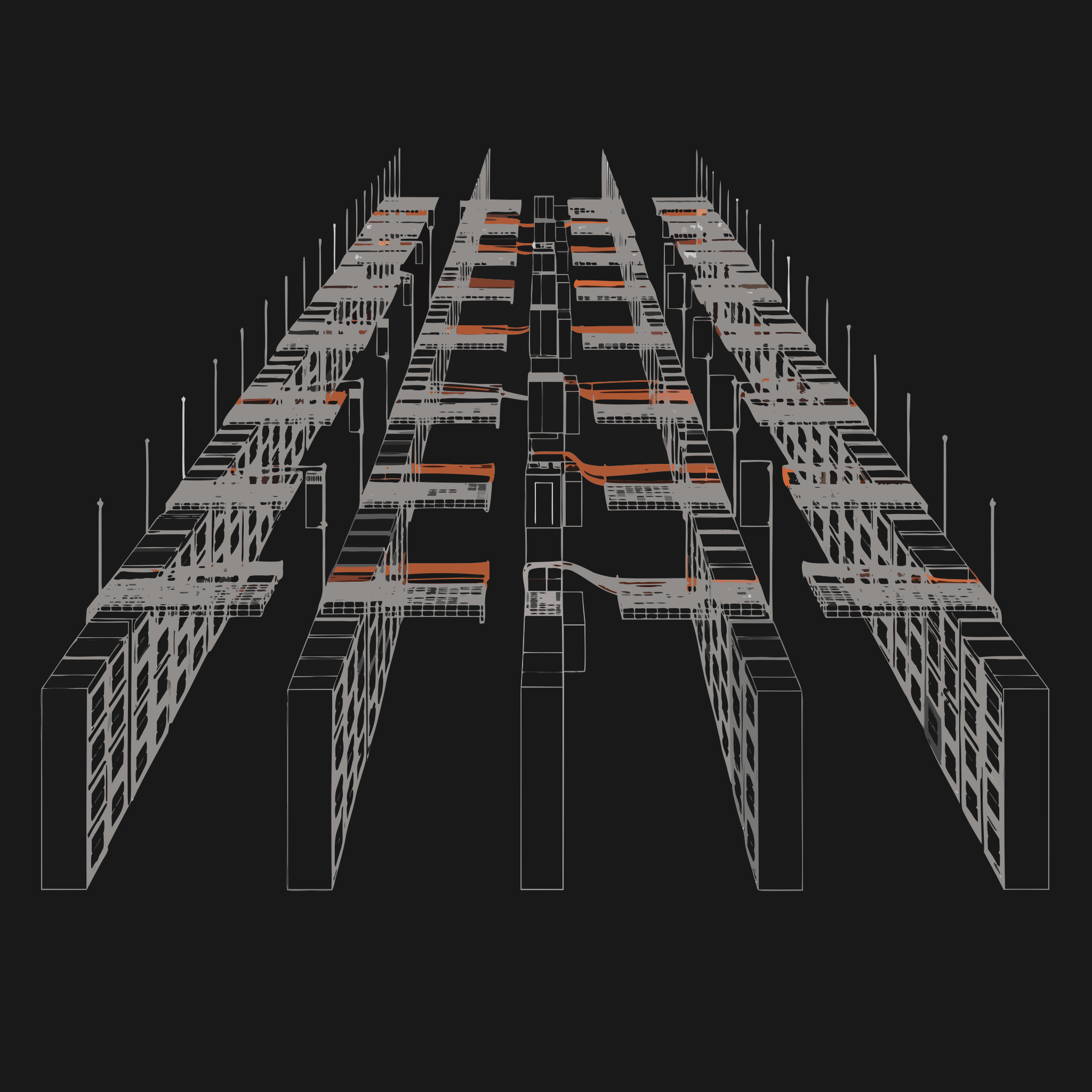
- sector-hyperscale.png — isometric grid of white server-cabinet buildings with one orange-highlighted rack at center.
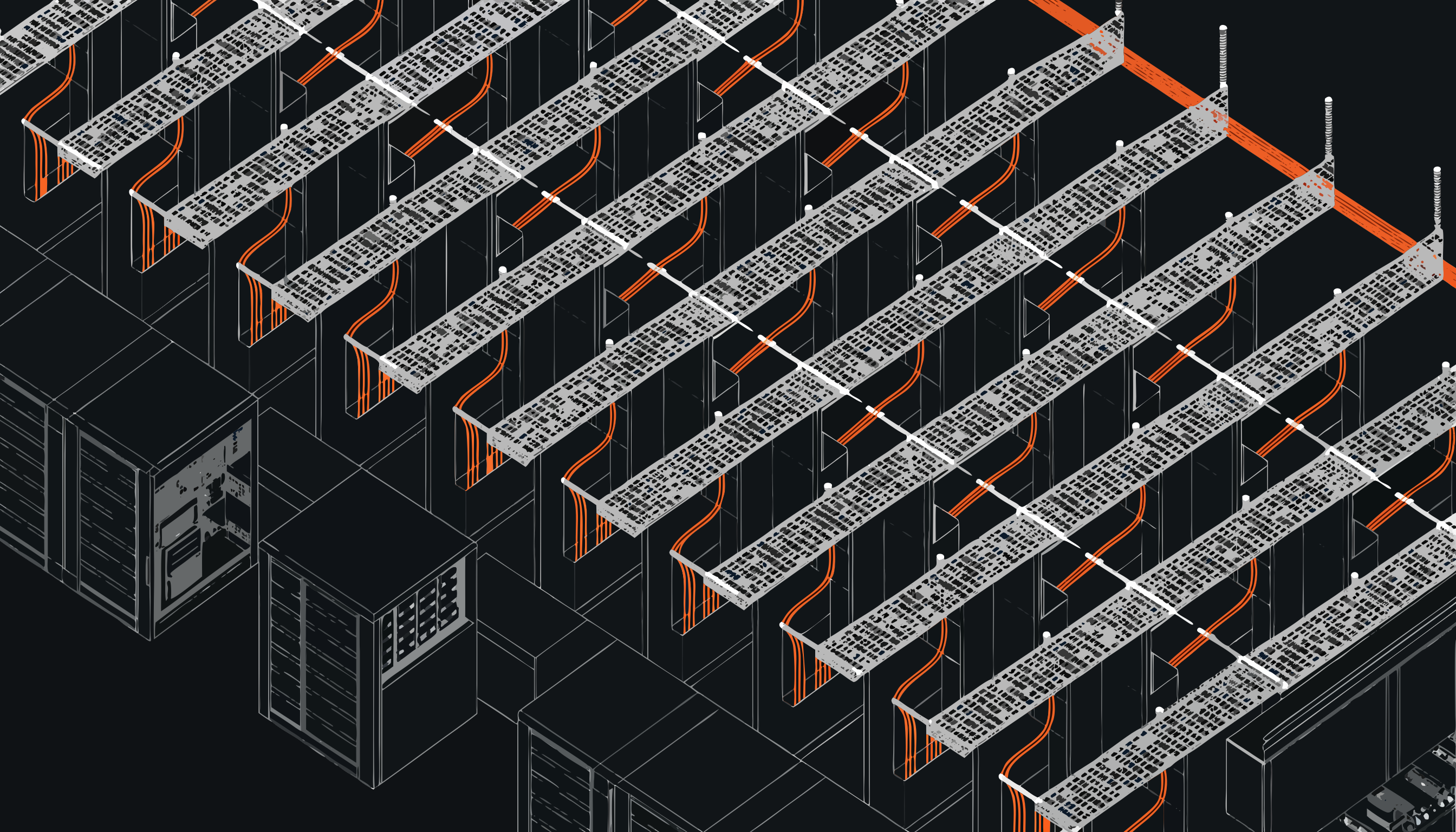
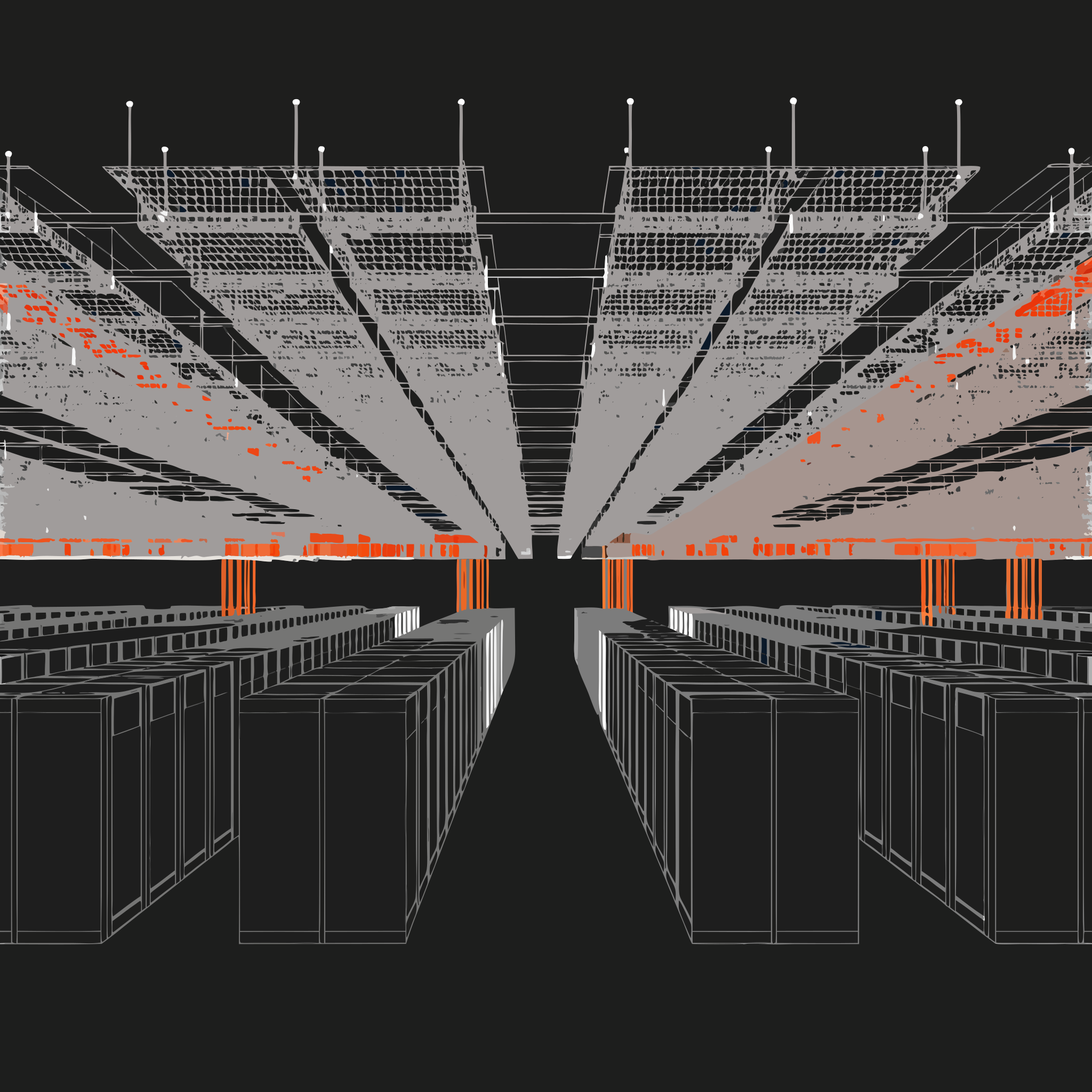
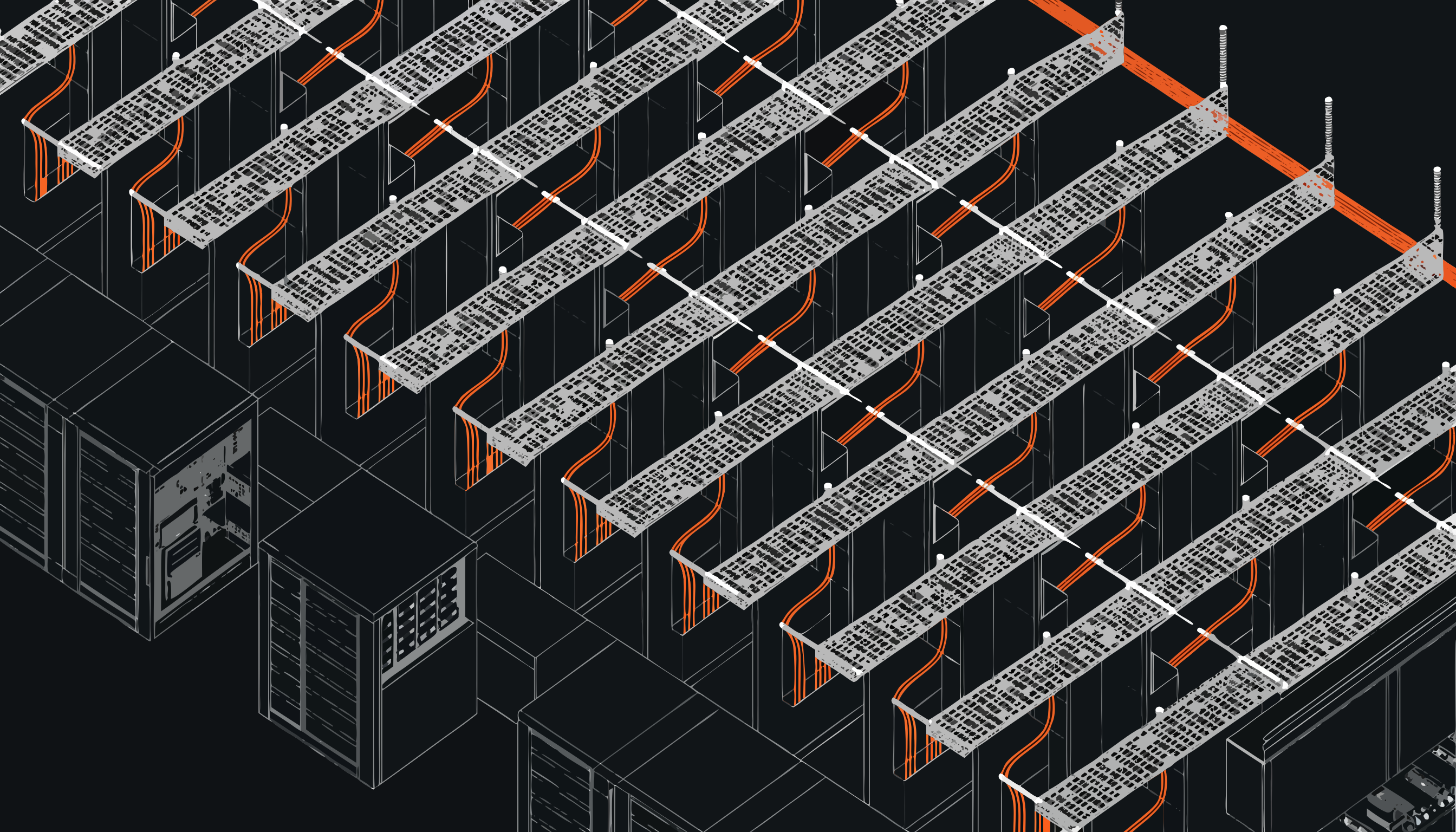
- sector-colocation.png — isometric cabinet hall with orange fibre cabling fanning between racks.
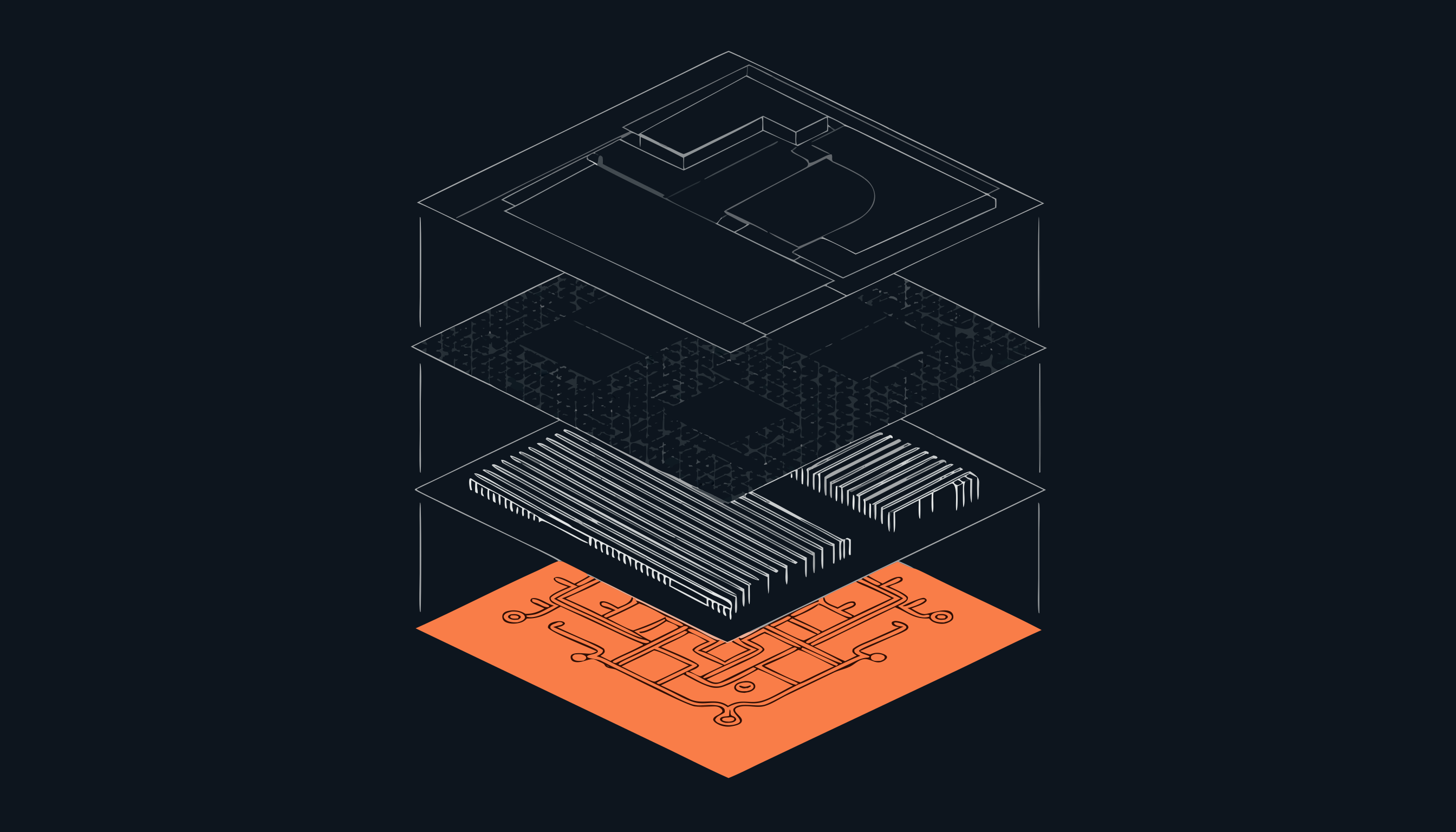
- about-strata.png — horizontal layered slab with orange vertical riser pillars threading through.
- coverage-globe.png — square wireframe globe with three glowing orange network nodes and an orbital arc.
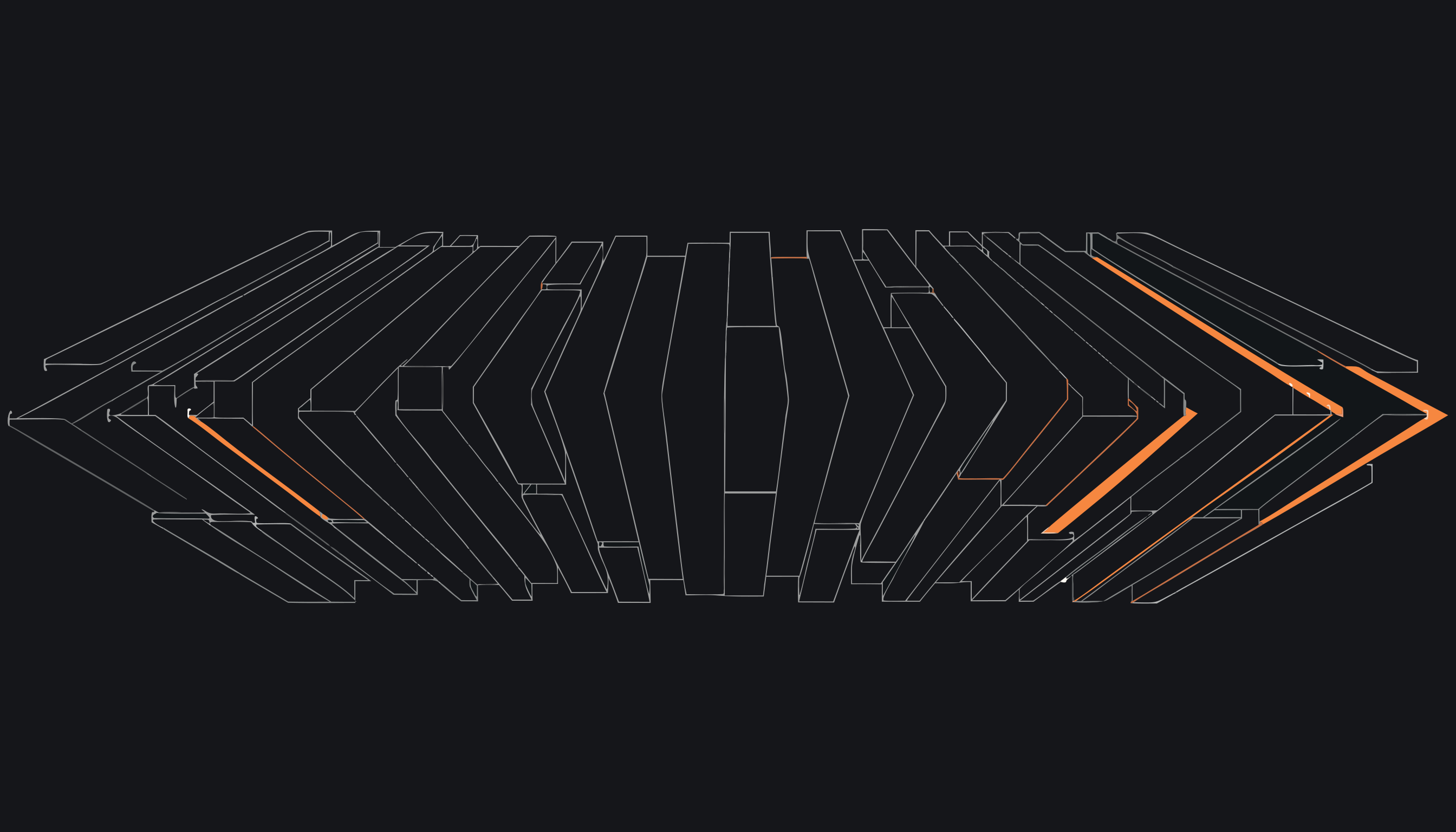
- divider-strata.png — wide terrain/strata stack with orange contour lines, ideal as a decorative band.
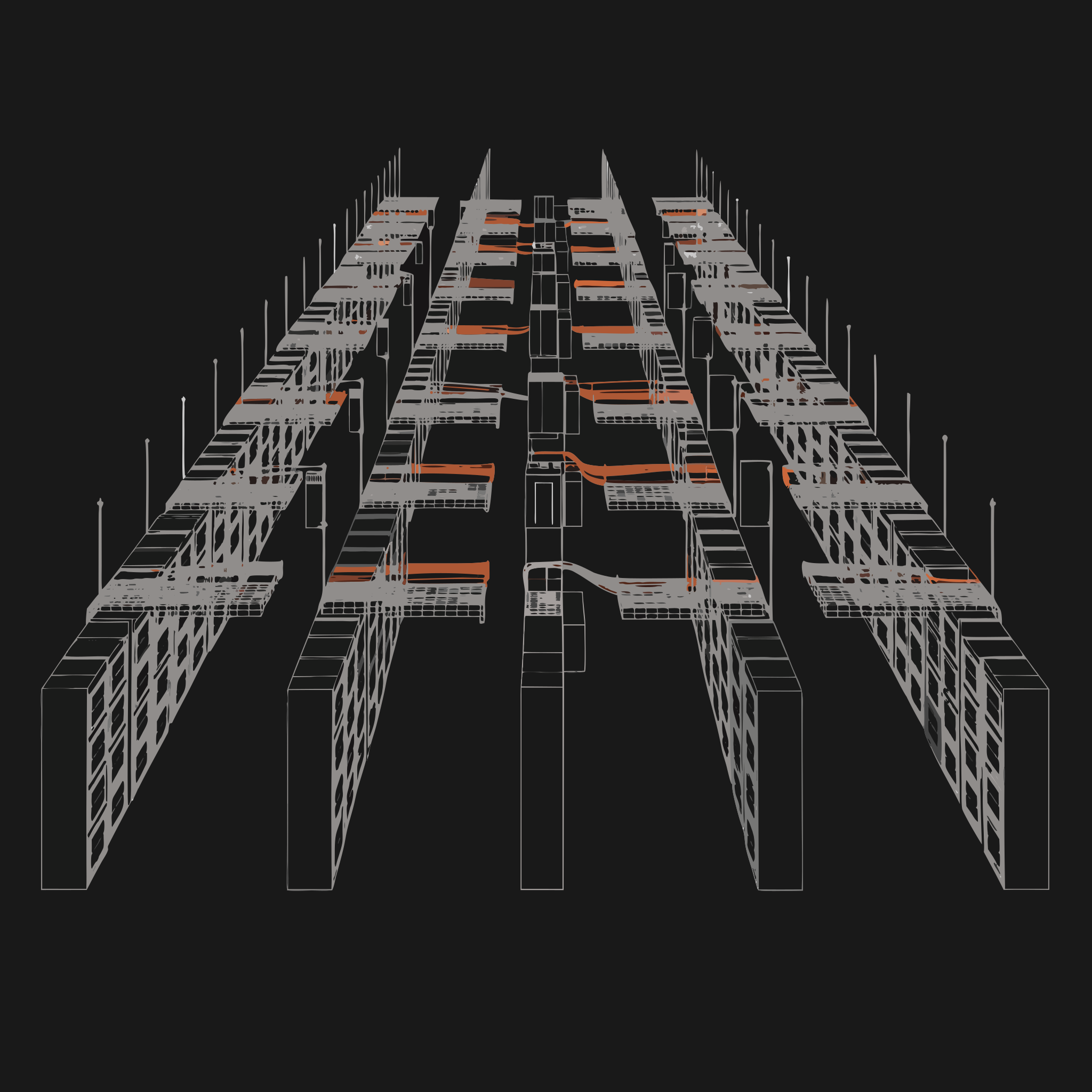
- service-cabling.png — orange linework tray with cable runs, a spot icon for the cabling service.
- service-slab.png — minimal wireframe box with a single orange node, a neutral spot icon.
Let me download all eight into /public and explore the codebase in parallel.
Images saved. Let me find the project structure.
Let me read the key files: the existing reveal, image-placeholder, hero, sectors, about, coverage, services, and divider components.
Good — ImagePlaceholder is used as the slot for these images. Let me find all its usages and read the remaining target components.
Let me read the remaining target files and the styling tokens.
Now let me read the app pages that use placeholders and the services page.
I have a full picture now. Let me add the keyframes to globals.css, then build the reusable Blueprint component.
Now let me create the reusable Blueprint component.
Now the hero section — replacing the placeholder with the blueprint, adding scroll parallax, float, and glow.
Now the sectors-section (home) — cards with image, glow OFF, hover scale 1.04.
Now about-preview — glow ON, subtle, centered-low.
Now coverage-section — globe, glow ON center, slow float (9s), max-width ~480px, plus pulsing nodes overlay. I need a custom 9s float, so I'll set inline animation duration. Let me update the import and image.
Now the divider band — full-bleed band, horizontal parallax, opacity-80, decorative.
Now the services rows — add spot icons. Let me create a small client icon component and wire it into both the home services section and the services page. I'll add it inline in each. First the home services-section.
Now the services page — add icons there too.
Now the sectors page (three sectors, alternating). I'll map images: hyperscale, colocation, and reuse about-strata for industrial. Glow ON, subtle.
Now the about page uses about-team.png (no such file). Per spec, about-strata.png is the About/What-we-do image — I'll use it here. The careers page references careers-crew.png which wasn't supplied, so I'll leave that placeholder intact.
Let me check the Next.js image config and then verify everything compiles and renders.
Images are unoptimized, fine. Let me check the dev logs for errors and then visually verify the home page.
The hero looks excellent — the exploded data-centre stack sits cleanly on the navy with the orange node layer glowing, no white box behind it. Let me scroll through to verify sectors cards, about, coverage globe, divider, and services icons.
Excellent — sector cards, service icon rows, and the about slab all render beautifully on navy with appropriate glows. Let me check the coverage globe with its pulsing nodes and the divider band.
The globe renders with its glow and three pulsing orange nodes, and the divider band reads as a clean decorative strata strip between sections. Let me verify the sectors inner page with its alternating three-sector layout.
All blueprint imagery is integrated and rendering correctly across the site on the dark navy sections, with subtle glows on the alternating sector blocks. Everything compiles cleanly and the layouts, type and copy are unchanged — only the imagery and motion were added.
I've integrated all eight blueprint PNGs via a new reusable <Blueprint> component (components/ui/blueprint.tsx) that wraps next/image with object-contain, a configurable soft orange radial glow, an optional slow float, and a fade-up scroll reveal — all respecting prefers-reduced-motion through CSS guards in globals.css. The hero stack floats with a glowing node layer plus scroll parallax (useScroll/useTransform) and priority loading; sector cards scale on hover with glow off; the about slab and coverage globe carry subtle glows (the globe gets three pulsing orange nodes and a 9s float); the divider band is a full-bleed decorative strip with horizontal scroll drift; and the service rows now have small service-cabling/service-slab spot icons that nudge up on hover. Every image sits only on navy/slate sections with descriptive alt text, and the unused light-section imagery rules were respected — the one remaining placeholder is the careers crew.jpg, which wasn't among the supplied files.

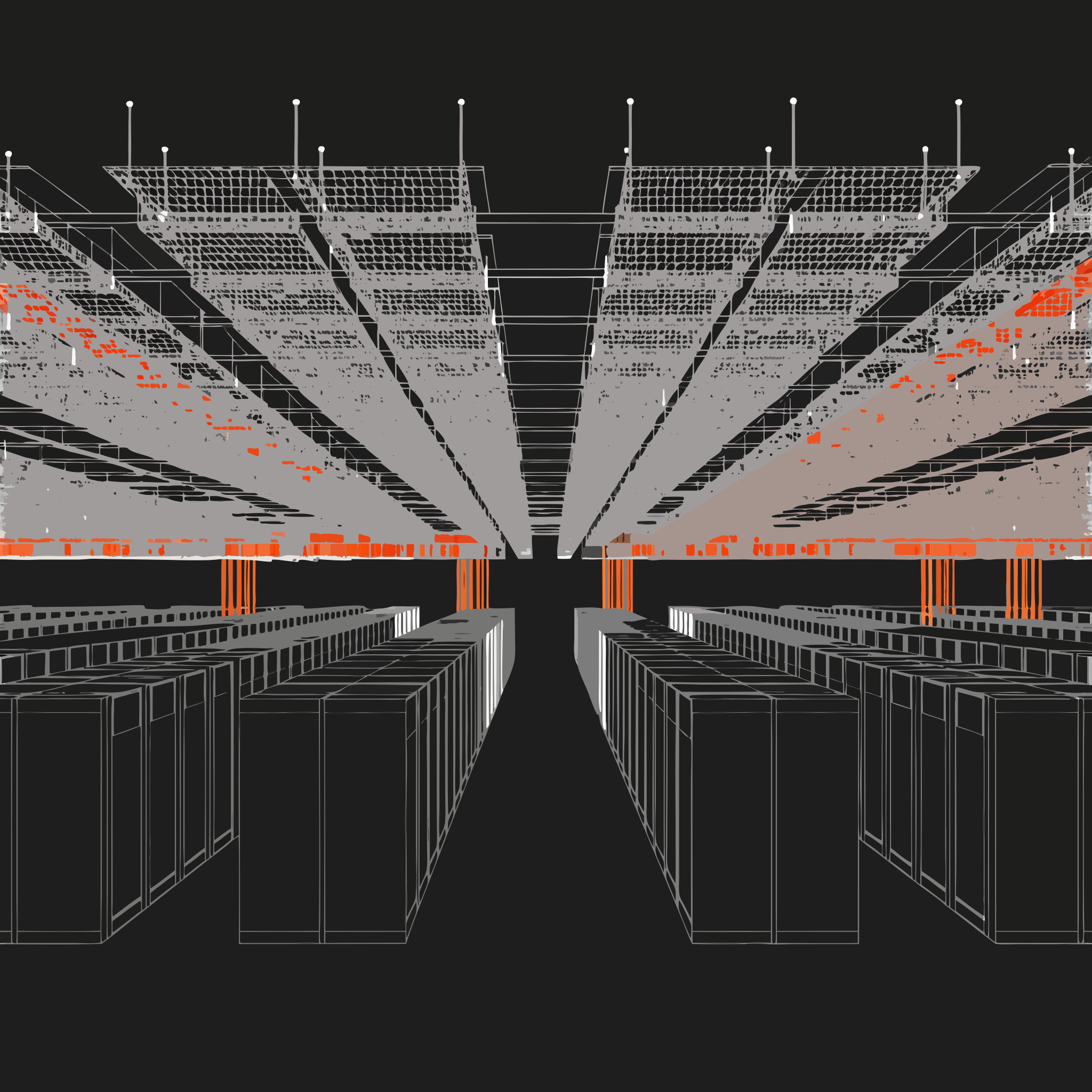
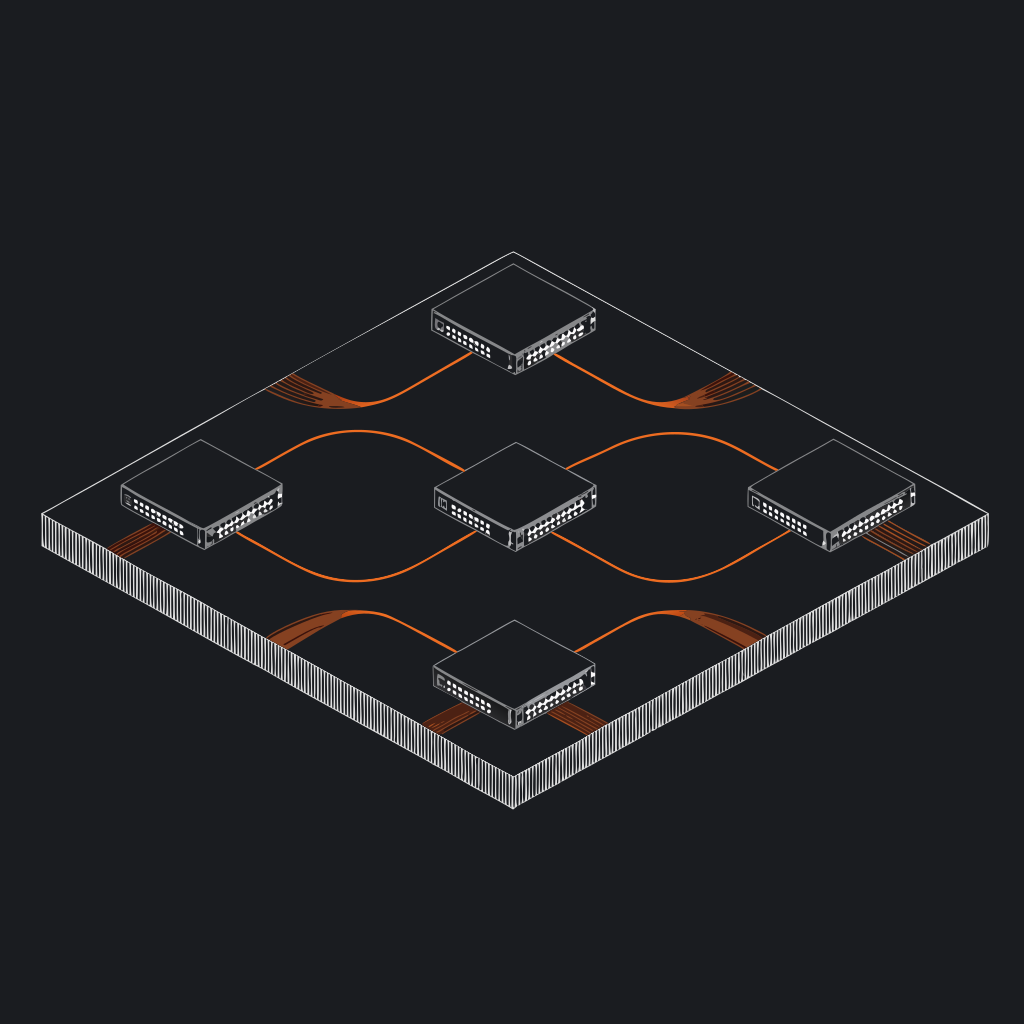
I'll start by exploring the existing site structure to understand what I'm working with.
There's already a Blueprint component. Let me read it and the key sections to understand the current setup.
The site uses ImagePlaceholder placeholders that I need to replace with the real SVGs via the existing Blueprint component. Let me copy the SVGs to /public and find all placeholder usages.
There was prior work. Let me check the most recent state summary and look at all files still using placeholders.
The glob-scoped grep returned nothing oddly. Let me grep with explicit path to get accurate current state.
The summary describes prior work but the live code still uses ImagePlaceholder with .png names. I'll swap them to the real SVGs. First let me read all the affected components and the CSS.
The Blueprint component uses next/image, which rasterizes SVGs (the QA spec says to force plain <img> to keep them crisp). I'll update Blueprint to render a plain <img>. Let me check the SVG dimensions and the divider section's parallax needs, plus the services section (for placing the containment + network bands).
Now I'll rewrite the Blueprint component to render a crisp plain <img> (avoiding next/image rasterization of SVGs) while keeping glow, float, and reveal.
Now let me add the blueprint-float keyframes to globals.css, respecting reduced motion.
Now the hero section — replace the placeholder with the hero blueprint, add glow, float, scroll parallax, and 80vh max-height.
Now update the right column to use the Blueprint with parallax:
Now the sectors section — cards 01 & 02 with hover scale. The hover scale on the image needs to be handled. Let me update it:
Now the about-preview and coverage-section. Update both:
The globe needs a 9s float (vs hero's 7s). Let me add a floatDuration option to Blueprint and use it for the globe.
Now the divider band — full-bleed decorative strip with horizontal parallax drift. I'll make it a client component using motion + useScroll.
Now I'll create the two new full-width dark sections from the brief — the containment feature band and the network/interconnect section.
Now wire the two new sections into the home page. I'll place containment after services, and network after about/before coverage.
Now let me handle the remaining placeholders on the sectors page (uses sector images) and check the about/careers pages. Let me read the sectors page.
The sectors page has hyperscale, colocation (we have SVGs) and industrial (no dedicated SVG — I'll reuse containment-hero.svg, which fits hardened/mission-critical infrastructure). All on navy. Let me update it.
Let me check the about page placeholder context to decide whether it should use a blueprint.
The about page "what we do" image maps well to about-strata.svg. Let me update it.
The careers page uses careers-crew.png, which wasn't among the supplied SVGs, so I'll leave that placeholder. Now let me verify everything compiles and renders by checking the dev logs.
Type-check passes. Let me verify the home page renders correctly in the browser.
The hero SVG renders crisply. The blank sections are just the scroll-reveal animations not triggering in a full-page capture. Let me scroll to individual sections to verify.
The sector card SVGs render crisply. Let me dismiss the cookie banner and check the new containment, network, coverage, and divider sections.
This is the about-preview section with its glow visible. Let me continue scrolling to network, coverage, and divider.
The coverage globe renders beautifully with crisp nodes. Let me check the divider band and verify the network section rendered.
The network interconnect section renders crisply with the orange cross-connect paths. Now let me verify the divider band and the containment band at the top.
Let me scroll up slightly to view the divider band strip clearly.
All eight blueprint SVGs are now integrated and rendering crisply across the site. I swapped the Blueprint component from next/image to a plain <img> so the vectors stay sharp (no rasterization), kept the configurable orange radial glow, fade-up reveal, and added a CSS float with a floatDuration option (7s hero, 9s globe) that respects prefers-reduced-motion.
Placements verified in the browser: the hero stack floats with glow, scroll parallax and eager load; sector cards 01/02 scale on hover with glow off; two new full-width dark bands — Containment (containment-hero.svg) and Interconnects (network-interconnect.svg) — were added between existing sections; the about slab and coverage globe carry subtle glows; and the divider reads as a thin full-bleed strip with horizontal scroll drift. The SVGs also flow through to the sectors page (hyperscale/colocation/industrial) and the about page — all sitting only on navy/slate with descriptive alt text. The careers crew.jpg placeholder remains since no matching asset was supplied.